Codes
Active Pumpkin Playground Roblox codes for November 2026: PUMPKIN, BOOM, WELCOME, EARLYBIRD, TUNEDIN plus redeem help.
View all CodesCodes, powers, maps, and sandbox guides for Pumpkin Playground on Roblox.
Unofficial Pumpkin Playground Roblox wiki for codes, powers, item tiers, maps, wiring tips, and beginner guides.
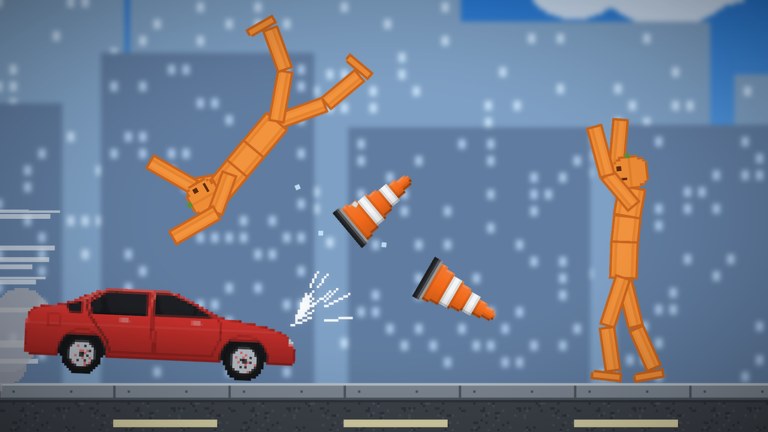
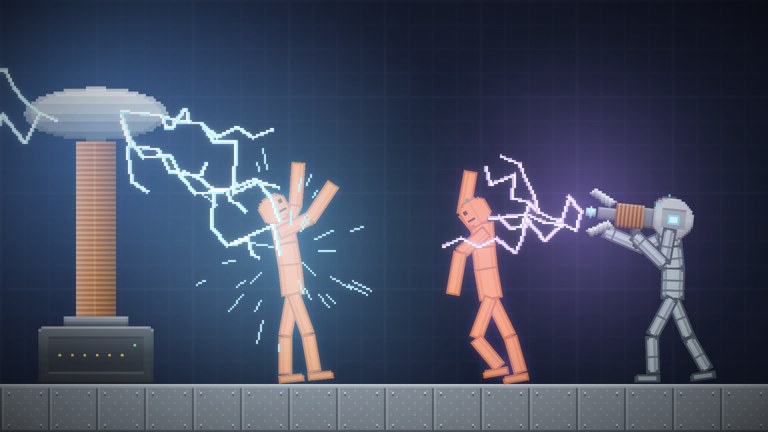
Pumpkin Playground is a free Roblox 2D physics sandbox by Shiny Burger. Spawn pumpkin people, then shoot, blast, burn, freeze, or zap them while every limb reacts on its own. Unlock codes, learn controls, rank items and powers, wire machines, and explore maps from a quiet workshop to lava, sea, and the Moon. Start with the Getting Started guide.
Active Pumpkin Playground Roblox codes for November 2026: PUMPKIN, BOOM, WELCOME, EARLYBIRD, TUNEDIN plus redeem help.
View all CodesPumpkin Playground Roblox guides covering controls, powers, wiring, items, maps, elements, vehicles, and first sessions.
View all GuidesPumpkin Playground Tier List Hub ranking items and powers by sandbox usefulness for chaos, creative builds, and six-player sessions.
View all Tier ListPlayers Hub for Pumpkin Playground: Shiny Burger group links, how to find good servers, and etiquette tips for six-player sandboxes.
View all PlayersUpdates Hub for Pumpkin Playground covering launch baseline tracking, changelog links, and a full retest checklist after each patch.
View all UpdatesHonest Scripts hub for Pumpkin Playground on Roblox: common player searches, scarce verified scripts, plus clear safety guidance today.
View all ScriptsTools Hub for Pumpkin Playground with quick references, controls cheatsheet access, and practical links to in-game sandbox utilities.
View all ToolsAbout this Pumpkin Playground wiki: fan-made scope, fact verification standards, and curated links to codes, guides, and community hubs.
View all LinksOpen the official Roblox experience, then skim the Getting Started guide so spawn, grab, and catalog feel natural on day one.
Open STORE, then CODES, and claim working codes like PUMPKIN and BOOM for bombs, nukes, XP, and prefixes before they expire.
Master grab, pause, slow motion, undo, and heat view on the controls page, or keep the controls cheatsheet open while you play.
Use the powers guide and item tier list to choose tornadoes, nukes, tanks, and other tools that match the chaos you want.
Follow building and wiring, study elements and vehicles and builds, then tour all maps from workshop bunkers to lava and the Moon.
Quick answers for Pumpkin Playground players.
It is a free 2D physics sandbox by Shiny Burger where you spawn pumpkin people and experiment with weapons, powers, vehicles, fire, acid, electricity, and custom machines across 19 maps.
From the main menu open STORE, then CODES, type a code exactly, and press REDEEM. Full steps live on the how to redeem page and the codes hub.
Learn grab and fling first, keep undo (Z) ready, practice pause and slow motion, then unlock the catalog with Tab. The Getting Started guide covers the first session end to end.
This wiki supports: English, Français, Deutsch, Español, Português (BR). Configure locales in site.meta.json and run npm run generate:i18n.
No. This is an unofficial fan resource. Confirm announcements on the official Roblox game page and Shiny Burger channels.
Yes. Pumpkin Playground runs on PC, mobile, tablet, and console. Control bindings differ by device; see controls and the tools cheatsheet.
Claim active codes, learn powers, pick S-tier items, and follow the Getting Started guide before your next session.
Start with the beginner guide